This looks pretty interesting albeit a little expensive.
This looks pretty interesting albeit a little expensive.
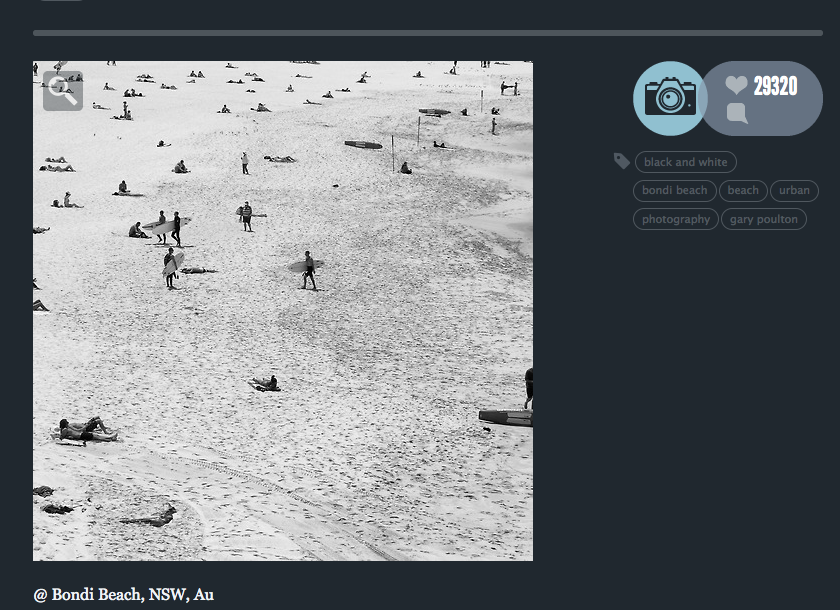
29,320 + reblogs for this image @ Tumblr.
Some images from my iPhone mausoleum. Mainly Hipstamatic + some ja.gr 645 and CameraPro.
If you are experiencing difficulties with Lightroom 5 not opening and Aperture not exporting images on OSX 10.9 here’s the fix if you have your Catalogs and Projects on external drives. Because of the new security measures / protocols you need to ensure that your external drives have read and write permissions for all users. After a lengthy discussion with a tech genius friend of mine this was the solution he offered and everything is fine now. Go to it. 

This news won’t be new. But Mavericks has shot holes in Adobe Lightroom 5 and Apple Aperture. Both were initially working for me after the update but recently things have gone astray. Lightroom 5 is dead. Booting up the application just launches the splash screen and then its just dead calm. Aperture boots, reads the libraries and allows external editing, but cannot export images; just the eternal wheel of death and today folders began graying out. Likewise Snapseed can’t export to the iPhoto library and can’t ‘save as’. The forums are alive with the sounds of disgruntled users. Today I had to resort to importing images from phone and card into iPhoto, exporting to the desktop and editing in Photoshop. I hope Santa has a fix by Xmas.


Shot on Canon G1X
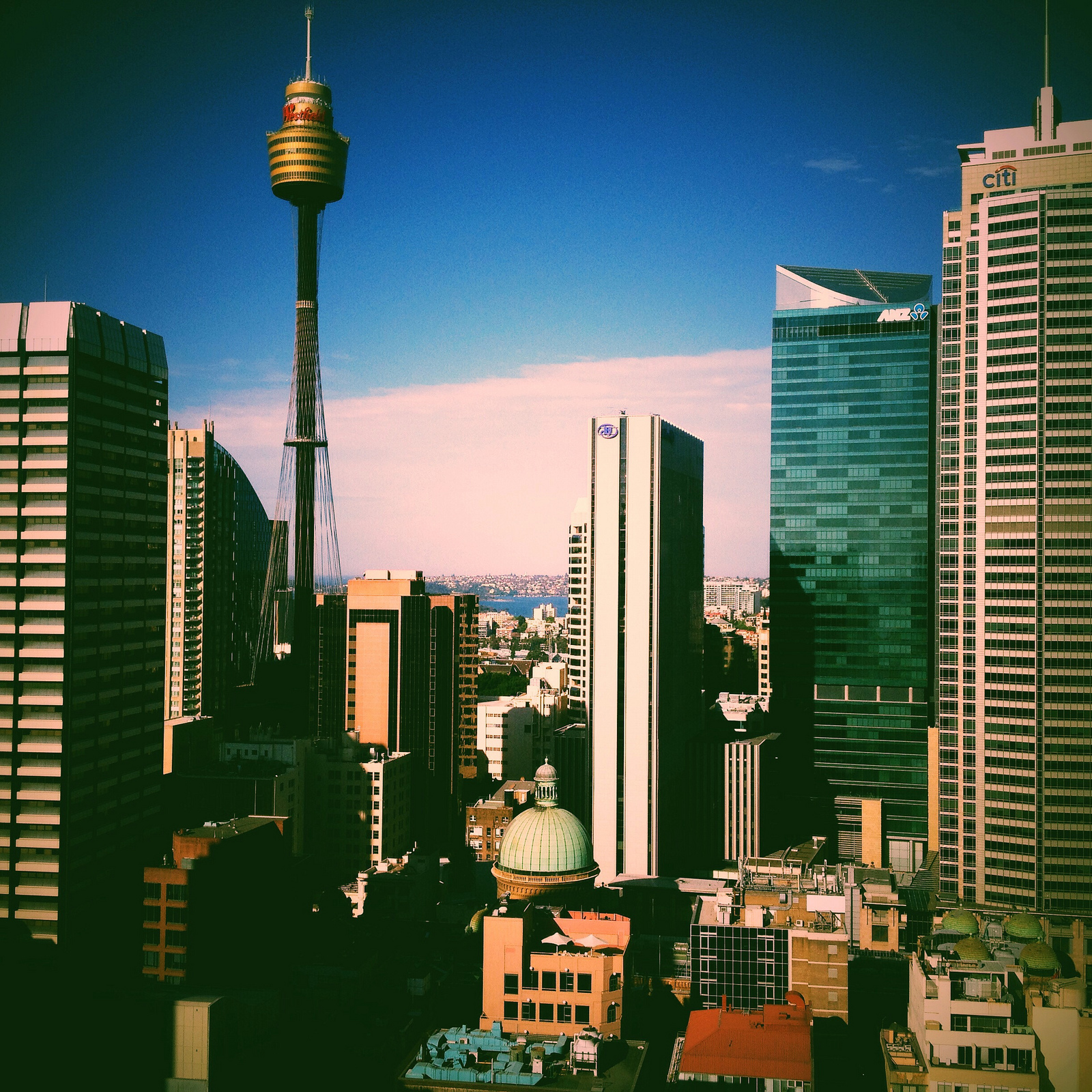
Spent two days at Adobe Head Office earlier in the week. Amongst doing some hands on work with an inspiring group of people I got to catch the view on a couple of occasions. Shot with a 4S running IOS7.

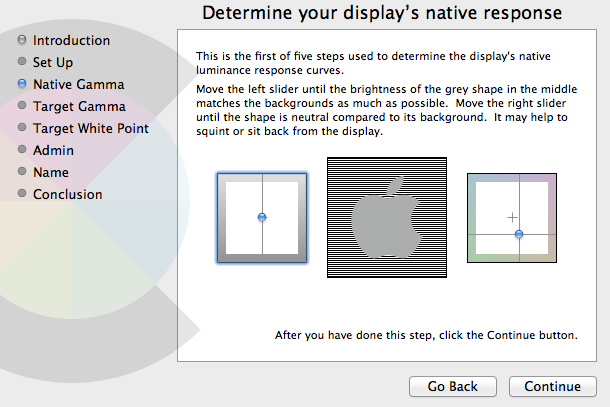
Getting the story right with colour calibration and profiling on iMac and MacBook Pro screens is not a simple task. As I’ve discovered the work-flow is let down by the inability of the user to adjust the iMac or Mac Book monitors RGB balance. Mac only offers options to adjust Native Gamma, Target Gamma and Target White Point.
All this first came to a head after purchasing DataColour’s Spyder 4 Pro and noticing that after calibration/profiling, despite the significant improvement, my iMac monitor still had a distinct green cast when looking at both colour and or black and white images and that my MacBook had a distinct blue cast. I started asking some questions.

Visibly evident green and blue cast after Spyder 4 Pro/ Dataclour calibration.
A friend of mine recently put me onto DispcalGUI, which is open source. DispcalGUI provides customizable settings for “whitepoint, luminance, black level, tone response curve as well as options to create matrix and look-up-table ICC profiles, with optional gamut mapping” as well as providing a very extensive array of colour patches.
Running the first calibrations using DispcalGUI on the iMac and MacBook made it obvious that I was out on a ledge in terms of getting the best response curves because the initial white point and RGB measurements revealed things like this…

You can see on the iMac that blue and red are under whilst green is significantly over in the balance. Unfortunately on Mac systems there appears to be no way to adjust the RGB gain controls manually or via 3rd party software. Even Argyll CMS, which runs fine under Windows was not able to talk to Mac.
After running a second calibration and profile using DispcalGUI on the MacBook you can see a more neutral response to to the black and white image below. However it’s not perfect and still tends to be a little on the blue side which was shown as still being off target in the ‘Interactive Dispay Adjustment” panel prior to the Calibration. I was able to get above 100% of sRGB but only 75-78% of RGB.

Running Colour Eyes Display Pro (fully functional trial) did little to alleviate the cast and the software began to glitch quite badly after the first two runs. I understood that it should be able to talk to and adjust the RGB settings for Mac monitors. But there was little to see that supported that and measuring RGB using DispcalGUI afterwards indicated little change.
Colour Munki looks like the next stop.

